

- Download SASE agent as explained here.
- Then install and configure SASE agent.
- Run the installer:
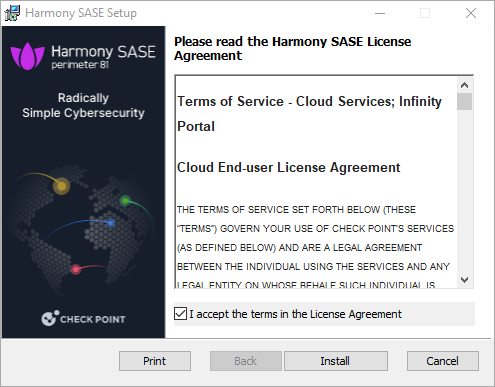


- After the installation, you will see:
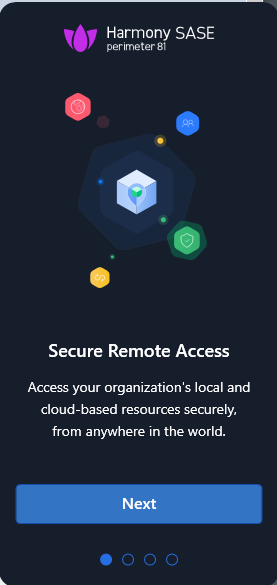
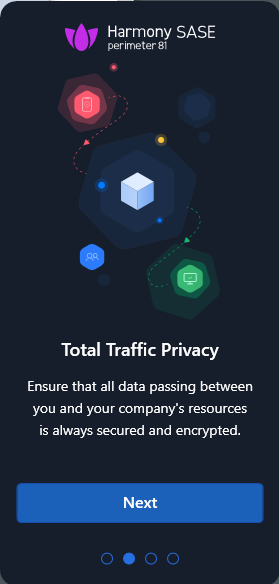
click Next several times. - Click Sign In button:

- You will be redirected to the Harmony SASE web page. Fill Workspace URL field with word technion and choose EU Data Residency from the drop-down menu:
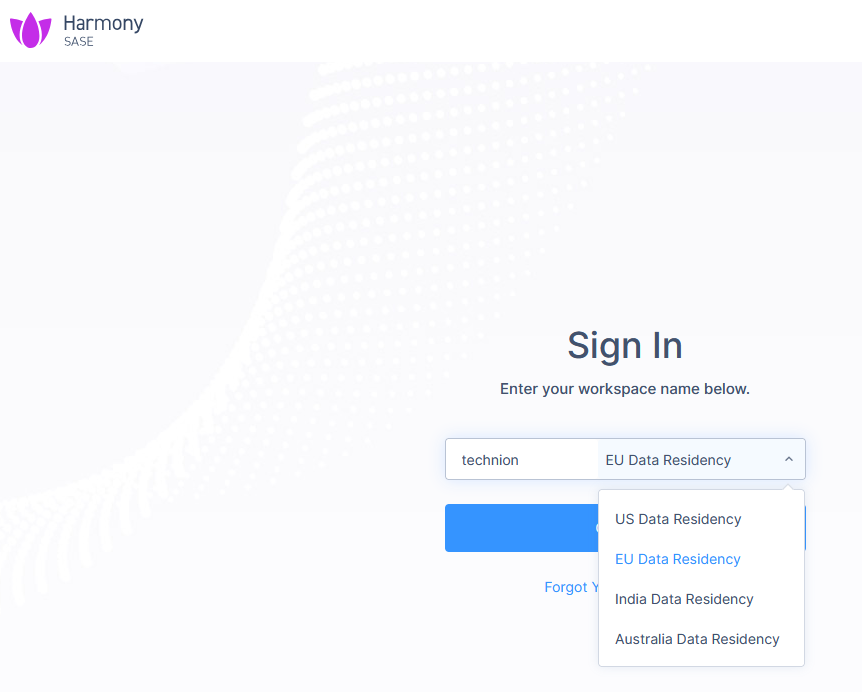
- Click Continue and authorize with Technion credentials.
- After successful authorization, you will see:
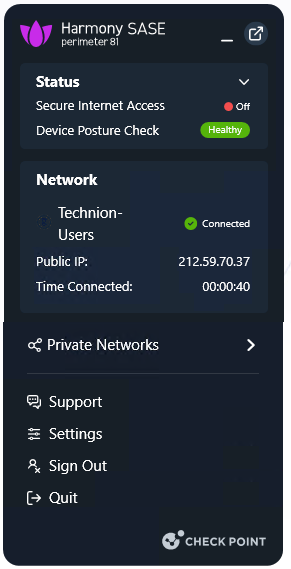
- So continue with click on Private Networks and click on Technion-Users:

- The agent will connect to the Technion LAN resources and you will see:
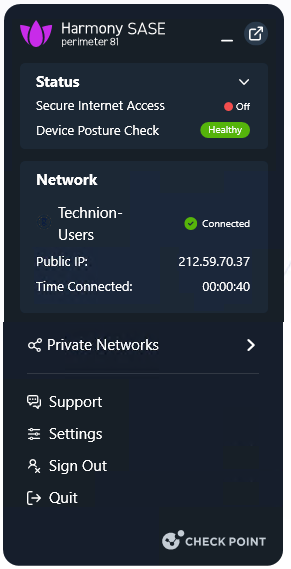
- As you see, now you are connected to the Technion LAN and can access internal resources.